Skip to content
ToolHunt LogoToolHunt
Dockhand - Security-Focused Docker Manager logo
Self-hostedContainer ManagementAlt to Portainer

Dockhand - Security-Focused Docker Manager

Dockhand is a self-hosted Docker management tool with built-in security checks, update workflows, and a dashboard designed for production-minded container operations.

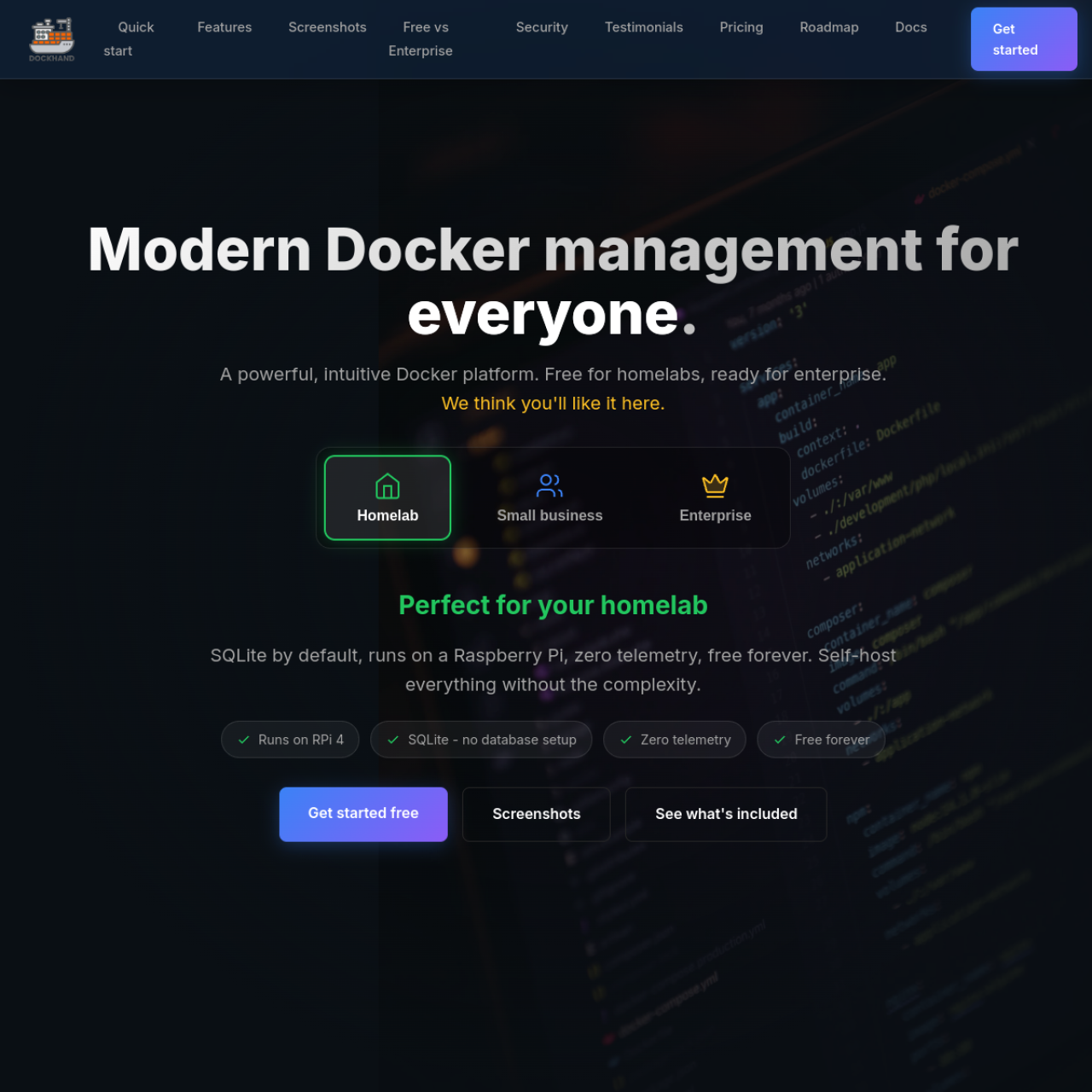
Interface preview

Dockhand - Security-Focused Docker Manager user interface

Video overview

Dockhand focuses on secure container operations. It combines deployment controls with vulnerability awareness so teams can keep services current without giving up safety checks.

Key Features

  • Container Operations: Start, stop, update, and inspect running workloads.
  • Security-Oriented Workflow: Surface risk insights before and after updates.
  • Image Update Handling: Track and apply image changes with less guesswork.
  • Multi-Host Management: Operate across more than one Docker server.
  • Dashboard Visibility: Central UI for health and status at a glance.
  • Team Usability: Better workflow for collaborative operations.

Why Choose Dockhand?

  • You care about patching velocity and security posture together.
  • You want a visual control layer on top of Docker maintenance.
  • You need a tool that emphasizes production hygiene.

Docker Deployment

Deploy Dockhand via Docker Compose and bind required sockets or APIs carefully. Use read-only mounts where possible and isolate it with network boundaries.

Getting Started

  1. Prepare a host with Docker installed.
  2. Deploy Dockhand and connect Docker endpoints.
  3. Review scan results and baseline your environment.
  4. Apply controlled update workflows.

Full Setup Guide

For the complete guide, see: Dockhand Docker Install.

Dockhand - Security-Focused Docker Manager logo
Self-hostedContainer Management

Dockhand - Security-Focused Docker Manager

Dockhand is a self-hosted Docker management tool with built-in security checks, update workflows, and a dashboard designed for production-minded container operations.

Alternative to Portainer

Key features

  • Container lifecycle management
  • Security scanning
  • Update and deployment workflows
  • Multi-host support
  • Web-based administration
  • Operational visibility

More alternatives to Portainer

View all
Arcane - Self-Hosted Container Manager logo
Self-hostedContainer Management

Arcane - Self-Hosted Container Manager

Arcane is an open-source Docker management platform focused on a clean interface, GitOps workflows, and practical container operations for homelabs and teams.

Alternative to Portainer

View detailsVisit site
UsulNet - All-in-One Docker Management logo
Self-hostedContainer Management

UsulNet - All-in-One Docker Management

UsulNet is a self-hosted Docker management platform that combines container operations, security scanning, monitoring, and multi-node orchestration in one interface.

Alternative to Portainer

View detailsVisit site
Docker Core Monitor logo
Self-hostedDevOps

Docker Core Monitor

A real-time Docker container monitoring dashboard built with SvelteKit, Socket.IO, and Python that provides beautiful visualizations of container performance metrics.

Alternative to Portainer

View detailsVisit site

More Container Management tools

Tugtainer - Docker Auto-Update Assistant logo
Self-hostedContainer Management

Tugtainer - Docker Auto-Update Assistant

Tugtainer is a self-hosted helper for Docker image updates that tracks container versions and simplifies safe update routines for homelab stacks.

Alternative to Watchtower

View detailsVisit site
Flowise AI logo
Self-hostedAI Development

Flowise AI

Flowise is a low-code platform for building AI workflows and applications using a visual drag-and-drop interface. It simplifies the process of creating AI solutions without deep technical expertise.

Alternative to Zapier

View detailsVisit site